You deleted the conversation. The file is still on your account. If that sentence surprises you, this guide will change how you clean up ChatGPT — because uploads and created files live in the Library, which follows its own retention rules, separate from any chat that used them.
This guide is written for readers who juggle both lists on real work — client files, generated drafts, spreadsheets that feed the next report. It keeps to the documented behavior: what the Library keeps, what the chat list forgets, what the recently-deleted view allows, and where each kind of file is truly deleted. Around that behavior, it adds the professional habits that turn two disconnected lists into one clean, auditable workspace.
Why deleting a chat does not delete files
ChatGPT automatically saves uploaded and created files — documents, spreadsheets, presentations, images — to your Library. Deleting the chat that contained them does not delete their saved copies: the Library keeps them until you remove them there. That design has a reason (files you reuse across projects) and a risk (copies you forgot you had).
The two-step cleanup that actually works
- Manage the conversation in your chat list — archive or delete it.
- Manage the files in the Library, where deletion is a separate action.
Doing only the first step leaves files alive. Doing only the second leaves clutter in your history. Professional cleanup needs both, deliberately.
The recently-deleted safety net
If your Library includes Recently deleted, deleted files can be restored there until they are permanently deleted, and you can choose Delete forever to remove them sooner. OpenAI schedules them for permanent deletion from its systems within 30 days. When the file is truly sensitive, a plain delete is not the end of the story — check the recently-deleted view.
What the separation means in practice
The confusion starts with a single-bucket mental model. In practice the account holds records of two kinds that behave differently: conversations, managed from the chat list, and stored files, collected in the Library. A chat that used a file is a record about work done with it — not the file itself. When that chat disappears, what you lose is the exchange; what you keep is the saved copy the Library made when the file was uploaded or created.
Once the two lists are clear, cleanup accidents lose their main cause. For every item you intend to remove, ask which list it lives on: conversation names, archived threads and deleted chats belong to your history; uploaded documents, generated spreadsheets and created images belong to the Library. Two passes over two lists is the professional way — one deliberate cleanup instead of two accidental ones.
Recovering a file you removed by mistake
The recently-deleted view is also the answer to the opposite problem: you deleted the file, the conversation that carried it is gone too, and the draft inside matters again. While the file remains inside that window — before it is permanently deleted — restoring it returns the file to your Library. After Delete forever, restoration is no longer available from your side, and the file is scheduled to disappear from OpenAI’s systems within 30 days. The practical rule is simple: when in doubt, restore first and decide later; deleting forever can always wait for the day you are certain.
A checklist before you delete forever
Because a permanent delete cannot be undone from the user side, the decision deserves the same three checks as any other destructive action. Does a live deliverable still cite this file? Does any project description or instruction point to it by name? Would a client agreement, an internal policy or a regulator expect a copy to exist? If one answer is yes, leave the file alone and write the reason in your work log; if all three are no, the delete is safe to make — and the log entry makes it defensible months later, when nobody remembers that week.
Inventorying your Library like a professional
What lives there
Everything you uploaded or generated in chats: PDFs, spreadsheets, images, documents. Storage is separate from daily usage limits, and the amount available depends on your plan — which makes unreviewed accumulation a real operational issue for teams that share storage.
A worked example (hypothetical)
A project manager closes a six-month project. The chats are already gone; the Library still holds 40 PDFs, including drafts with client figures. For the final audit she opens the Library, restores the two files she needs as evidence, and permanently deletes the rest the same day. The cleanup takes ten minutes; leaving them would have meant unknown copies floating for months.
Naming before you upload
The best time to manage files is before the chat exists. A file named client-x_budget-v3_2026-10 finds its way into future reports; download (12).xlsx becomes dead weight. Rename on entry, delete on exit, with the same discipline you give a shared drive.
Reading the Library like a shelf
An inventory moves faster when the list is read like a shelf rather than searched like a box. Sorting by file type turns the collection into groups you can judge at a glance: documents that feed current deliverables, images that belong to finished work, spreadsheets whose version you could not name under cross-examination. For each group, three questions decide the verdict: does this file still feed what I do, is it superseded by a newer copy, and would it embarrass the project if someone outside it opened it? Every file that fails the first question and clears the other two has earned its exit.
Telling copies from versions
Two files that look alike are the real inventory problem. A working rule divides them by role: a copy exists to live somewhere else — a backup, an export, an attachment kept for the record — while a version replaces another one in the same role. The Library rewards keeping exactly one file per role: the current version, plus copies labeled by destination and date. When both roles collapse into one “final” file with the suffix of the week, the shelf stops telling the truth, and every prompt that reads it inherits the doubt.
A handover inventory (hypothetical)
Suppose a team inherits a departing colleague’s workspace at short notice (hypothetical). The chats were archived long ago; the files were not touched. The inheriting analyst opens the Library, sorts by type, and recognizes the material in three groups: current drafts under one client’s name, finals marked as such, and a third group nobody can identify at first glance. That third group is the handover cost of unmanaged storage — it is where inherited work stalls, one unexplained file at a time, until someone opens each one and asks what it was for. The inventory pass that day takes longer than the monthly one, and it is still the cheapest option on the table.
Connected sources: Drive is not in the Library
What Google Drive files do here
With the Google Drive app connected, you can browse and search Drive files from the Library when the connection has the required permissions. But the files remain in Drive, and connected Drive files cannot be deleted from ChatGPT: manage them at the source, in Google Drive itself.
Workspace rules change behavior
In workspaces, admins can control whether the Library automatically references stored files in responses. Health workspaces default that automatic referencing to off. If you work inside a company plan, do not assume your personal settings — check what the workspace enforces.
A five-minute monthly routine
Open the Library, sort by type, and ask three questions: what is still needed, what is superseded, what is sensitive. Delete the first category’s clutter with Delete forever, restore anything misfiled, and note in your work log which files back which deliverables. Storage stays predictable; the audit trail stays honest.
Two sources, two deletion paths
The monthly routine ends cleanly only when it respects the boundary between the two sources. Library files are removed from ChatGPT; Drive files are removed from Drive. A Drive file opened through the Library cannot be deleted from there, and removing it in Drive needs no second action inside ChatGPT — the connection reflects what the source already says. What the connection does provide is reach: browsing and searching Drive files without leaving the Library, as long as the connection holds the permissions it needs. Teams that put this distinction on one line in their onboarding notes prevent the most common false confidence in shared setups: the belief that a single delete covered both ends.
The workspace check is just as concrete. Confirm who controls whether the Library automatically references stored files in responses, and what the setting is in your workplace: health-focused workspaces default that automatic referencing to off, and other workspaces may enforce different values. A workspace lead who knows the setting — and records it where the team can find it — prevents the recurring surprise of answers built on files nobody intended to surface.
A shared-workspace pass (hypothetical)
Picture a small operations team that shares one workspace (hypothetical). Each month, the person on rotation runs the Library pass: sort by type, apply the three questions, remove clutter with the permanent delete, and confirm storage still matches what the plan allows. The same monthly note records one line per source — changes made in the Library, changes made in Drive at the source, and the current state of the automatic-referencing control. The pass costs a few minutes; skipping it costs a shared storage area that quietly absorbs every experiment the team has ever run.
Fitting Library hygiene into the book’s system
From storage to a working library
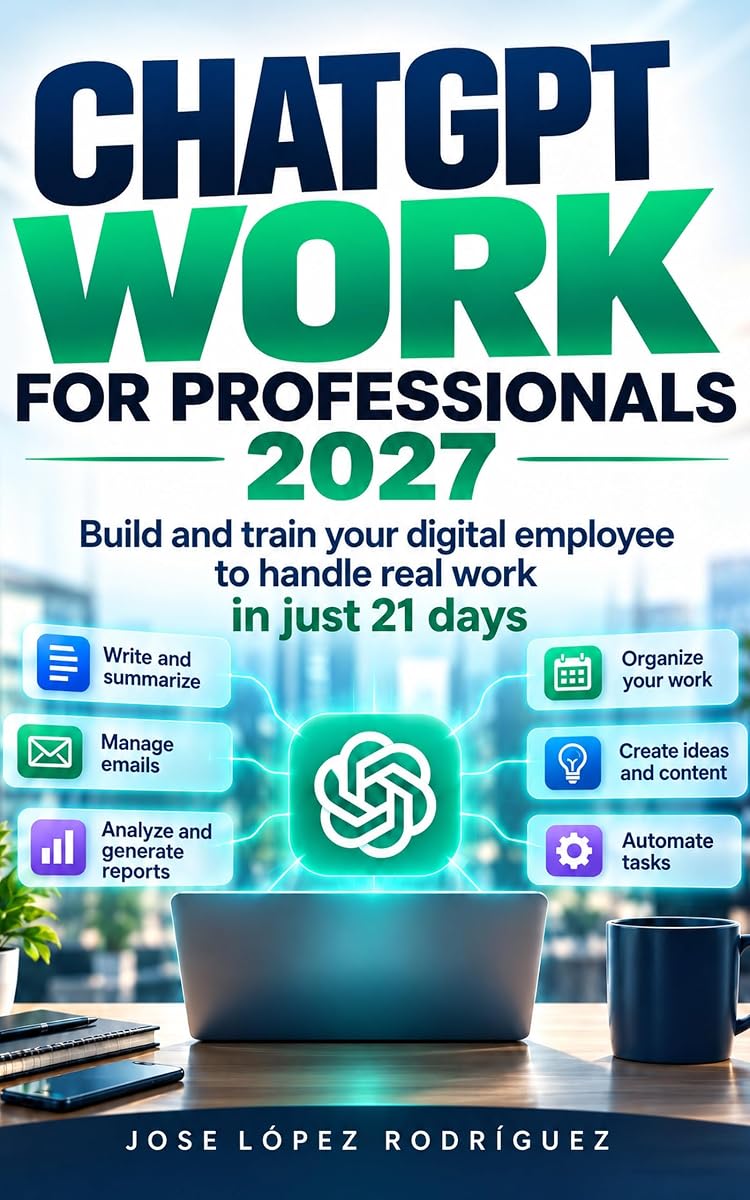
In ChatGPT Work for Professionals 2027, your library of prompts, templates and sources is the core asset — and cleanup is part of building it. The files ChatGPT keeps are the same material your future prompts will rely on, which is exactly why they deserve deliberate management rather than default hoarding.
Where the free book comes in
The English edition of ChatGPT Work for Professionals 2027 is free right now on Amazon. Build the system this weekend; the card below links straight to it.
One question to end on
If a colleague had to take over your projects tomorrow, would your Library help them — or mislead them? Clean it today and the answer is easy.
The habit the book builds around cleanup
In the 21-day method of ChatGPT Work for Professionals 2027, the Library follows the same folder logic as the rest of the system: active material stays visible, superseded material leaves the active shelf, and sensitive material receives an explicit decision instead of a shrug. Cleanup is not a year-end event but one more recurring pass, next to the weekly project review and the monthly audit the book proposes for instructions, files and memory.
The method insists on that pass for a specific reason: inheritance. The files you keep are the raw material your future instructions, templates and prompts will draw on. A Library curated on purpose becomes an asset that hands itself over to the next project or the next colleague; a Library curated by accident becomes someone else’s archaeology. The difference is not talent or tools — it is a calendar entry that says review, kept with the same seriousness as the ones that pay rent.
Free right now: the English edition
ChatGPT Work for Professionals 2027: Build and train your digital employee to handle real work in just 21 days, by Jose López Rodríguez, is currently free ($0.00 / €0.00, −100%) on Amazon. Download it in seconds: search for the exact title or the ASIN B0HMP1495Q on your Amazon store.