
Lucía is a lawyer in a medium-sized firm. Administrative law. Long allegations, files that arrive in blocks, clients who want to go to the end. One morning he receives a dense case: 60 pages of administrative documentation, previous resolutions, technical reports and a history of exchanged emails that do not always agree with each other.
He opens a conversation with Claude and does what seems logical: he pastes all the documentation at the beginning and starts working. Defines the tone: precise, sober, without frills. Defines the legal strategy. Point out which arguments are central and which are secondary. For almost an hour, the conversation flows. The answers are good. The proposals make sense.
In message number 26 something goes wrong. Claude begins to use expressions that she had forbidden at the beginning. Reframes a central argument with a different focus. In one response he even seems to contradict a clear instruction that Lucía gave at the beginning. Your first reaction: think that AI has become inconsistent. That something has broken.
Nothing had been broken. The conversation simply no longer fit at the table.
What is thecontext windowand why don’t you remember everything
The context window in Claude is like an office table. It fits papers, folders, sticky notes, your laptop and maybe a coffee. As long as everything fits and is visible, you can work clearly. You know what is important, what is pending and what has already been decided.
Now imagine that you continue adding documents without removing anything. There comes a point when the table is still the same, but the material no longer fits. You start covering things up. The last thing you place is on top. The first thing you put in disappears under a pile.
Every conversation with Claude has acontext window: a limited space where everything that the model is taking into account to respond to you fits. It is not long term memory. It is working memory. As the conversation fits in the window, Claude remembers the instructions, the tone, the decisions, and the relevant data. When it is full, it does not warn with an alarm. Just start prioritizing the most recent.
It’s not that I “forget” all of a sudden. It’s that you stop seeing what was buried.
Tokens explained without drama
To understand the size of that table, a word that scares more than necessary is used:token. A token is not exactly a word nor exactly a letter. It is a unit of text. For practical purposes:
- A written page of text is usually around500 tokens.
- An 80-page PDF can take up to40,000 tokens.
You don’t need to count or optimize them as if they were calories. Just understand that they exist and that space is finite. Each model has a different window: Opus can hold more context than Sonnet, and Sonnet more than Haiku. But no one remembers “everything forever” within the same conversation.
When Lucía pasted 60 pages at the beginning and then had a long conversation, she didn’t do anything wrong. It just filled the table very quickly.
Signs that your conversation is saturated
When the context window fills up, Claude starts doing something very human: he pays attention to the last thing you said to him. The consequences are clear:
- The rules you gave at the beginning begin todilute.
- The tone canvarywithout you realizing it.
- They appear smallcontradictions.
- Clauderepeatideas that were already closed.
There are pretty reliable symptoms: Claude ignores a clear rule you gave before, returns a correct answer that no longer fits with previous decisions, or asks something that was already resolved. When you see two or three of these signs together, don’t insist. It is not a problem to formulate the following question better. It’s a space problem.
Three remedies that work without starting from scratch
1. Summarize and reopen (the most effective)
You ask Claude to make a structured summary of the conversation: facts, decisions, and active rules. With that summary you open a new conversation. The summary acts like a clean table with only the essentials on it. It’s not starting from scratch. It is to continue with order.
2. Reorder important rules
If you can’t close the conversation yet, move the critical thing to the end. Important instructions work best when they are close to the last question. Not because they are more important per se, but because they are still visible within the window. Don’t repeat everything. Reaffirms the essential.
3. Chop before working
Instead of pasting a huge PDF and working on it, change the order: first ask for a summary, then decide which parts are relevant, and only then work in depth. This way you use the window to think, not to store unfiltered text.
Closing a conversation well is also working
One of the most productive habits is knowingclose. When a conversation has served its purpose, don’t drag it out “just in case.” Extract what’s important, save the state, and open another one when you tap. Working with AI is not about maintaining an eternal thread. It is managing sessions. That’s not noticeable on the first day. You can tell when you’re tenlong projectsand none have turned into chaos.
The Claude context window is not an annoying limitation: it is a design feature that, well managed, forces you to be more precise and organized in how you delegate work. And that, paradoxically, improves your results.
This is just a sample. The complete book teaches you how to turn AI into your most productive employee.
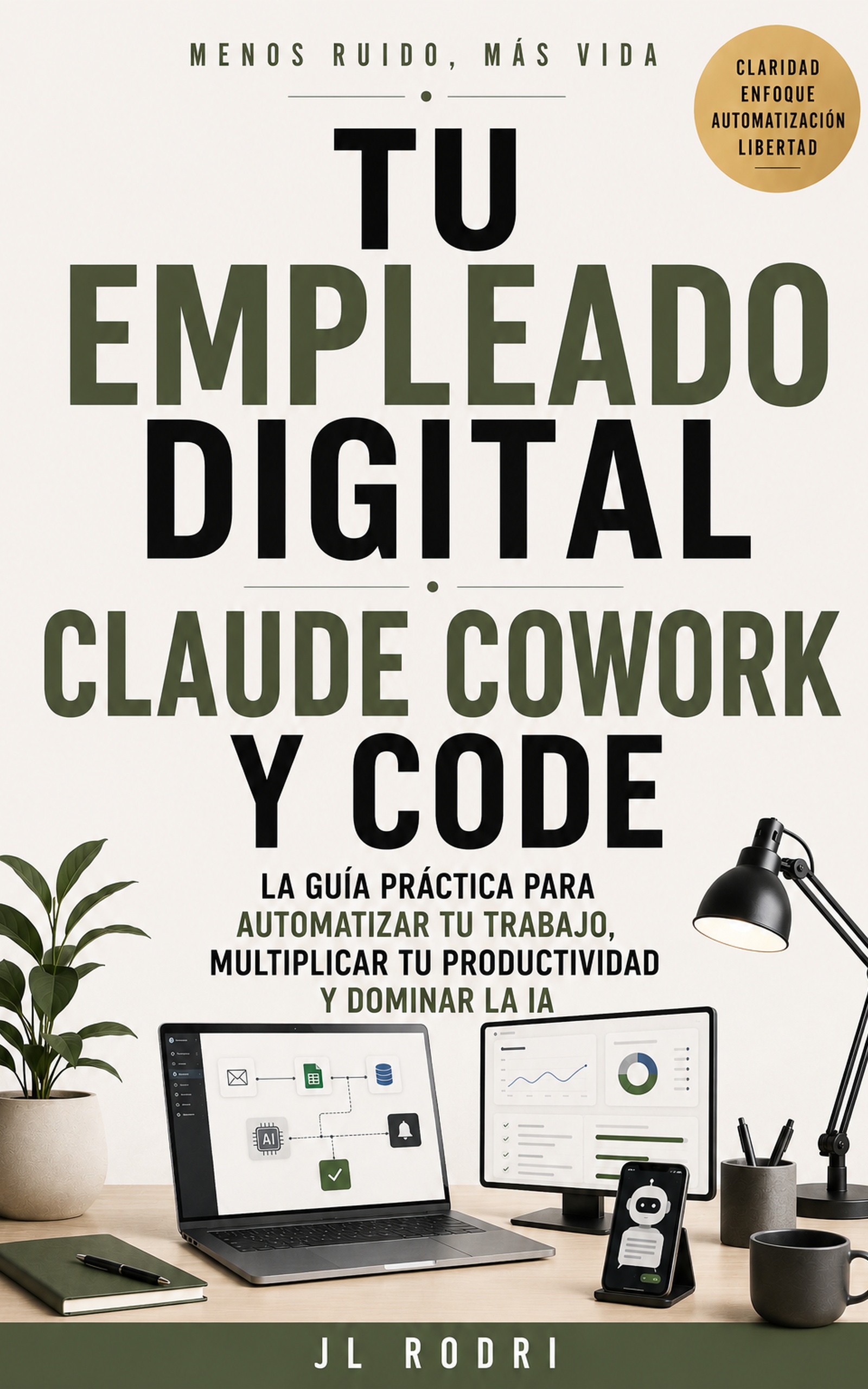
📖 Your Digital Employee
Claude and AI as your best collaborator