Connecting Google Drive to ChatGPT is ten minutes of setup. Making sure the assistant actually reads the file you meant is the step professionals forget — and it is where reports quietly break. Here is the difference between finding a file and retrieving its content, and how to build a review habit that keeps every AI deliverable working on real material.
What the Drive connection actually provides
When the Google Drive app is connected in ChatGPT, you can browse or search Drive files and folders, pull them into conversations from the composer, or reference them in the flow of a prompt. The connection respects your existing Google Drive permissions: you can see and open what your Google account can access, never more. That inheritance is the first rule of debugging every connected-source problem — before blaming the model, confirm what the connection can actually reach.
Three ways the file can reach the model
- Attach it directly from the composer or the Library controls: the content is transferred into the conversation context.
- Pull it with composer search from the connected Drive when the connection supports it: the file lands in the window with its content.
- Reference it by name only — the weakest path, the one that produces confident-sounding answers on material the assistant never read.
The failure signature every reviewer learns
An answer that names the file but describes none of its specific sections is the classic symptom. The assistant found the item — a metadata-level operation — without retrieving its content. In review terms: the citation exists, the source does not. Anything the reader can check in the document will not match what the answer says, and the mismatch surfaces at the worst possible moment: in front of the client, not in front of you.
The signature is easy to test: a paragraph that summarizes without locating — no section title, no table name, no date range, no quoted figure — is a paragraph whose source was never opened. Fluency is not evidence; locators are.
The retrieval-versus-inference boundary
There is a deeper principle under the whole failure: an assistant can either retrieve or infer, and it will do whichever the request makes possible. A file name with no attached content leaves inference as the only path — the answer is then generated from expectations and probability, not from your document. The output may be useful background, but it is not evidence, and confusing the two is what turns a smooth draft into a decision disaster.
Professionals label the two regimes in their own workflow: drafts marked unverified when the source was only named, and review-grade deliverables when the file was attached and the locators check out. The label costs nothing and travels with the work; the reader never has to guess which kind of document they received.
Detecting a content retrieval failure
The two-question test
Ask yourself: did the response mention concrete details from the file — a section, a figure, a named table, a date range? Does every specific claim carry a locator into the document? If both answers are no, treat the retrieval as failed, no matter how fluent the prose. The test takes thirty seconds and prevents the most expensive category of mistake in connected work: confident summaries of unread documents.
A worked example (hypothetical)
A team lead asks for a summary of “the Q3 budget review doc” with the Drive app connected. The answer lists “the main cost increases discussed”. It never quotes one number, one section or one owner. On inspection, the search results showed the doc title, but the retrieval never pulled the content. The correct next step: attach the document explicitly and rerun the request — the second run reads what the first pretended to read.
The second run costs a minute. The first run, if shipped unchecked, costs a meeting: the moment when a listener opens the document and finds that the “summary” describes a different file. Fluent language is not retrieval; specific, locatable detail is.
Naming conventions that prevent the problem
Most retrieval failures start upstream, in the file itself. Documents with names like “final_v2_really” or stored three levels deep under a generic “Docs” folder force the assistant to guess among candidates. The fix costs nothing: name files the way you would reference them aloud — client, deliverable, version, date — and keep the working set shallow. The same applies inside the conversation: one file per mention, exact titles, no “the latest one we discussed”.
When several versions of the same material exist, say explicitly which one governs: “use the October 14 version, ignore the rest of the folder”. Ambiguity is the enemy of retrieval; the assistant cannot know which draft supersedes which unless the instruction or the filename does.
Permission checks before blaming the model
Connected apps operate with your connected account and app permissions; in workspaces, admins can control which apps are available and which actions remain enabled. If retrieval keeps failing, the fix is rarely a better prompt: reconnect the app, verify the requested actions are allowed, and confirm the file lives in the space your connection can reach. The pattern generalizes — connected-source debugging is permissions debugging.
Retry design: how to fix it without guessing
Attachments and @mentions versus composer search
Three entry points, three guarantees. Attaching from the composer transfers content into the conversation with the clearest evidence of retrieval. Composer search does the same when it works — the file lands in the context window with its contents. A name-only mention is the weakest: it depends on what the connected app can browse at run time, which is exactly the layer your permissions and the workspace admin shape.
When the result matters, choose the entry point by evidence, not comfort: attach when exact figures are at stake, connect when the material is live and shared, and read back what was actually retrieved before you treat the output as reviewable.
Never infer what the assistant did not read
The most expensive pattern in professional AI use: an answer is produced from names rather than content, and the human ships it because it reads well. The fix is procedural, not motivational — an answer that cannot point into the source is returned to the assistant with the file attached, or marked as unverified. An honest “I could not open the document” is worth more than a polished guess.
Scanned files and image-based tables
A separate failure mode hides in the material itself: image-based tables and scanned exports extract poorly, and exact figures deserve a data source rather than a screenshot. When the attached document is a picture of a spreadsheet, retrieval may succeed while the numbers arrive mangled. For anything that feeds a calculation, attach the CSV or the source sheet; keep scans for reference reading only.
The review habit is the same in both worlds: ask for the locator. A claim that cannot point at a specific cell, row or section is treated as unverified, whatever the format. The extra minute of clicking through to a source is cheaper than the meeting where a client finds the error first.
Log the resolution
When the retry succeeds, write down what failed and what fixed it. Two saved entries — “name-only mention fails on private Drive folders; attach instead” — prevent the same dead end for the whole team. This tiny log is the difference between individuals rediscovering problems and a system that remembers.
Where this sits in the bigger system
The two-question test as a team standard
Individual vigilance helps; a shared standard helps more. Put the two-question test into the team’s review checklist — every claim based on an external file must name its source and its locator. When a new teammate joins, this rule alone prevents the most classic failure in connected work: reports that summarize documents nobody can confirm were opened.
The second-order effect is cultural: once locators are normal, the unverified answer starts to look fragile in review, which is exactly the outcome a professional process wants. The standard is one sentence long and it changes what gets shipped.
Sources make the deliverable
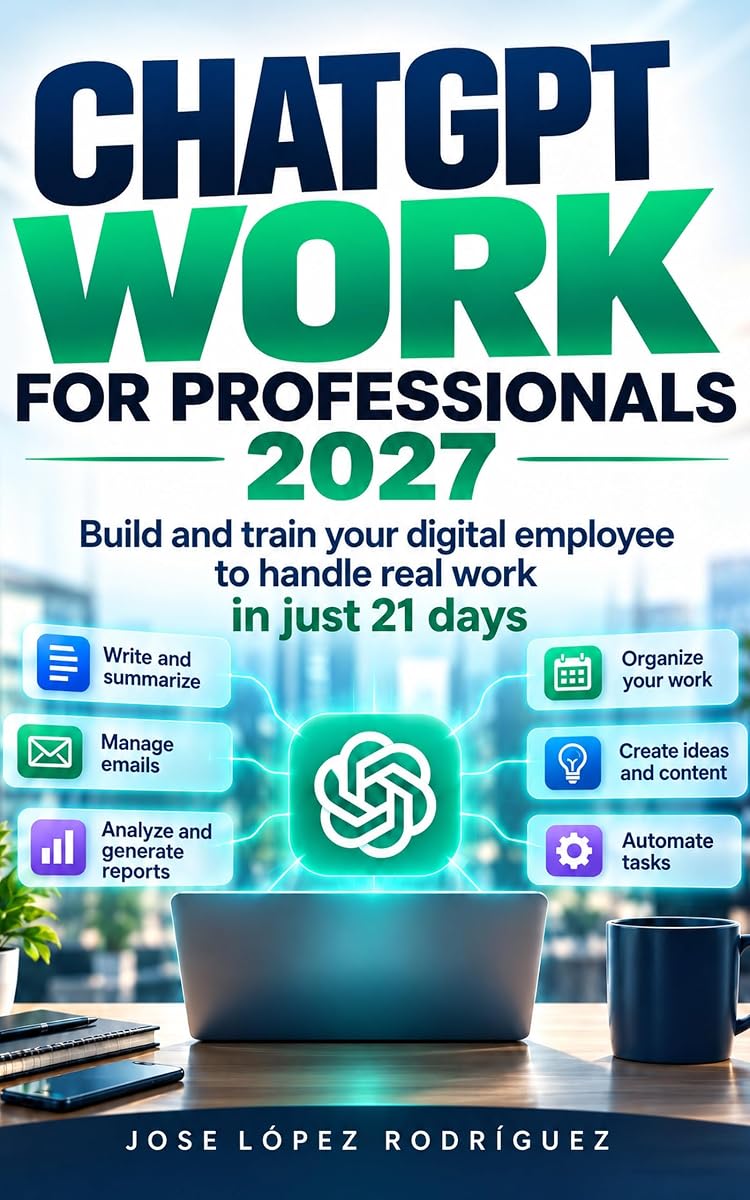
ChatGPT Work for Professionals 2027 builds the discipline around connected material: declared sources, verified retrieval, and a review step before anything ships. The Drive app is one input among several — the valuable part is not the connection itself but the rigor with which content actually reaches the work.
What to do when Drive is not the right route at all
Sometimes the correct fix is architectural: if the same folder is referenced weekly, it may deserve to be a project with the file attached once, or a template with the material baked in. The Drive connection is a convenience for live documents; it should not be the only path for the material that runs the business. In the book’s hierarchy, handbooks and libraries come first, connections second, improvisation never.
The pragmatic test: if a document is needed in more than two recurring requests, it belongs to the system, not to the search. Moving it there removes the failure mode instead of retrying against it.
What the audit gains from verified sources
Verified sources change what an audit can reconstruct. When every claim in an AI deliverable names its document and its locator, the reviewer question shifts from is this plausible to does the locator hold. That second question is mechanical; it can be delegated, sampled, or scripted. The audit stops being a debate about trust in AI and becomes a routine check of references — the same way accountants treat a figure without a voucher.
To make it stick, add the locator line to the template itself: a small field at the end of each section — document name, section, date — that the assistant fills and the reviewer verifies. Templates that ask for evidence deliver evidence; templates that ask for prose deliver prose. The difference shows up at the first difficult question from the client.
Make the check a habit this week
Before your next AI deliverable, run the two-question test on every paragraph that rests on an external file. If a locator is missing, attach the file and rerun. It costs a minute; it saves the report.
The free edition, while it lasts
The English edition of ChatGPT Work for Professionals 2027 is free right now on Amazon — the complete source-and-review discipline is one of its central chapters. The card below has the direct path.
Free right now: the English edition
ChatGPT Work for Professionals 2027: Build and train your digital employee to handle real work in just 21 days, by Jose López Rodríguez, is currently free ($0.00 / €0.00, −100%) on Amazon. Download it in seconds: search for the exact title or the ASIN B0HMP1495Q on your Amazon store.