
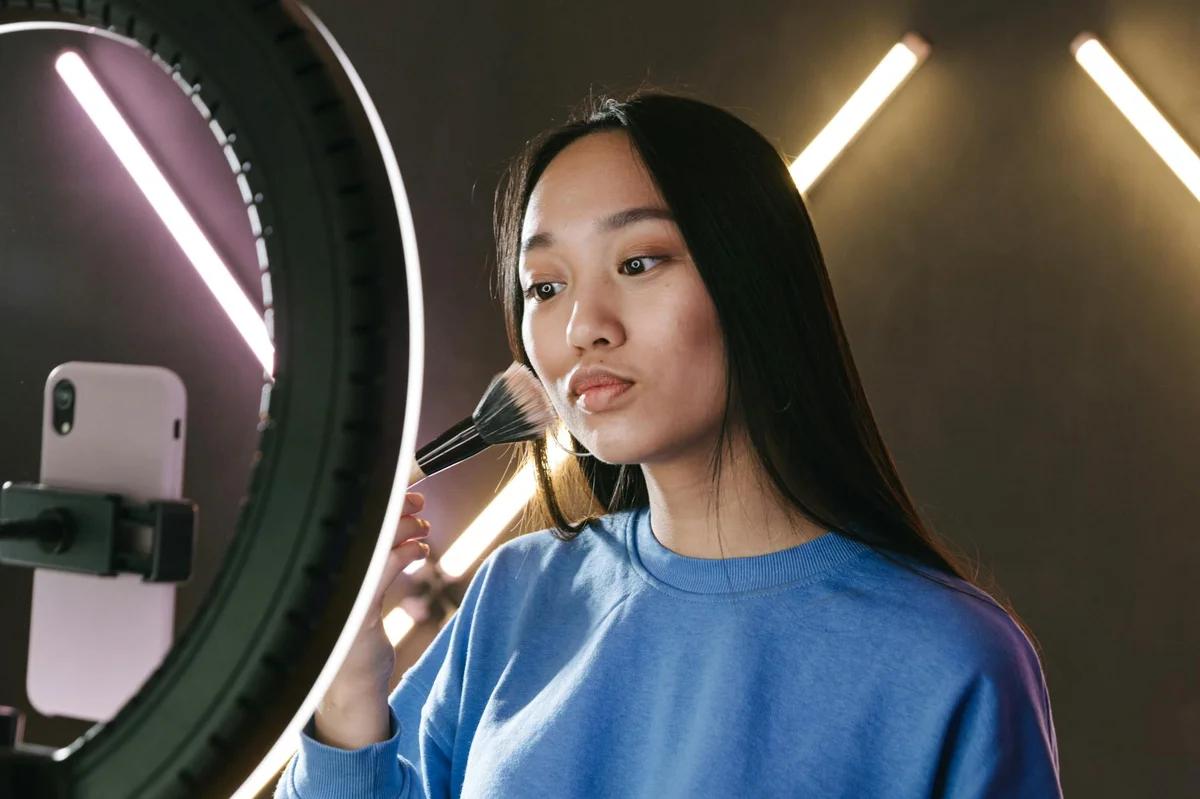
Editing isn’t decoration — it’s rhythm
Many creators think editing means adding effects, transitions, and music. In reality, editing on TikTok is primarily about rhythm. A well-edited video isn’t the one with the most effects — it’s the one where the viewer never feels the urge to leave.
Good editing removes friction. Bad editing adds it. Every unnecessary pause, every moment where nothing happens, every transition that takes too long — these are points where viewers leave. Your job as an editor isn’t to make the video look impressive. It’s to make the experience feel seamless.
The basic cut: your most powerful tool
The simple cut — removing the dead space between sentences — is the single most impactful editing technique on TikTok. Most unedited videos contain 20-30% dead space: pauses between thoughts, «um»s and «uh»s, moments where the creator is thinking about what to say next.
Removing that dead space compresses a 45-second video into 30 seconds without losing any content. That compression directly improves your completion rate, and completion rate is the metric that drives distribution.
You don’t need professional software for this. TikTok’s built-in editor, CapCut, or any basic video app can do jump cuts. The skill isn’t technical — it’s learning to recognize which moments add value and which ones only add time.
Pacing: fast enough to hold attention, slow enough to breathe
There’s a tension in TikTok editing between pace and comprehension. Go too fast and viewers can’t absorb what you’re saying. Go too slow and they leave. The sweet spot varies by niche, but the general principle holds: maintain momentum without sacrificing clarity.
One effective technique: vary your pace within the video. Start faster to hook attention, slow down for the key insight, then pick up again for the conclusion. This variation creates a rhythm that feels natural — like a conversation, where you speak faster when excited and slower when making an important point.
On-screen text: reinforcement, not repetition
On-screen text serves multiple purposes on TikTok: it reinforces key points for viewers watching without sound, it helps the search engine understand your content, and it creates visual variety that holds attention.
But text should reinforce, not repeat. If you’re saying «the three most important metrics are completion rate, saves, and shares,» don’t put all that as text. Instead, display just the key words: «Completion Rate · Saves · Shares.» Short, scannable, complementary to what you’re saying.
Keep text on screen long enough to read — about 1-2 seconds per short phrase. Text that disappears too quickly frustrates viewers. Text that stays too long clutters the screen.
Music and sound: set the mood, don’t fight the message
Trending sounds can boost discoverability, but they should serve your content, not override it. If the trending audio is so loud or distracting that viewers struggle to hear your message, it’s hurting your video regardless of how many extra views the trend might bring.
The best approach: use trending audio as background at low volume, or use just the first few seconds as an intro before transitioning to your own voice. You get the trend benefit without sacrificing your message.
For non-trending content, choose music that matches the energy of your video. Fast-paced content benefits from upbeat tracks. Educational or reflective content works better with calmer backgrounds. The wrong music creates a disconnect between what viewers see and what they feel — and that disconnect kills retention.
Transitions: less is more
TikTok offers dozens of transition effects. Most of them add nothing to the viewer experience. A clean cut between scenes is almost always better than a wipe, dissolve, or zoom transition. When the content is strong, transitions are unnecessary. When the content is weak, transitions can’t save it.
Use transitions intentionally: a match cut to show before/after, a whip pan to change scenes, a zoom to emphasize a point. Each transition should have a purpose. If you can’t articulate why a transition is there, remove it.
This is just a preview. The full book gives you the complete system to master TikTok in 2026.
📖 TikTok 2026: The Definitive Guide
The practical guide to growing and monetizing